


Hey there! Kathy here.
Disorganization is silently costing you hours every single week, and most solopreneurs do not realize that their Google Drive is the real problem. The issue is not your motivation, your content, or your creativity. The real problem is the lack of a clear brand folder structure that keeps you searching, recreating, and second-guessing instead of executing.
If you have ever spent ten minutes hunting for the “final” version of your bio, scrolling for graphics you know you made, or rewriting something because you cannot find it, you are not alone. The issue is not talent. It is that your brand assets lack a defined home. And when your files are scattered, your thinking becomes scattered too.
A simple brand folder structure gives your business a backbone. When your messaging, visuals, offers, and content live in organized, predictable places, you move faster. Decisions get easier. Content creation becomes smoother. This is not about color-coding for fun. It is about building a system that saves you time every single week so your energy can go toward revenue-generating work instead of digital clutter.
“Your brand is an asset…and assets need structure.”
– Kathy Schneider
When your brand files live everywhere, decision-making slows down, content takes longer to create, and consistency starts to fall apart. You spend more time looking for assets than actually using them. Small tasks stretch into long blocks of wasted time because nothing has a predictable home. Over time, that friction chips away at your focus and momentum.
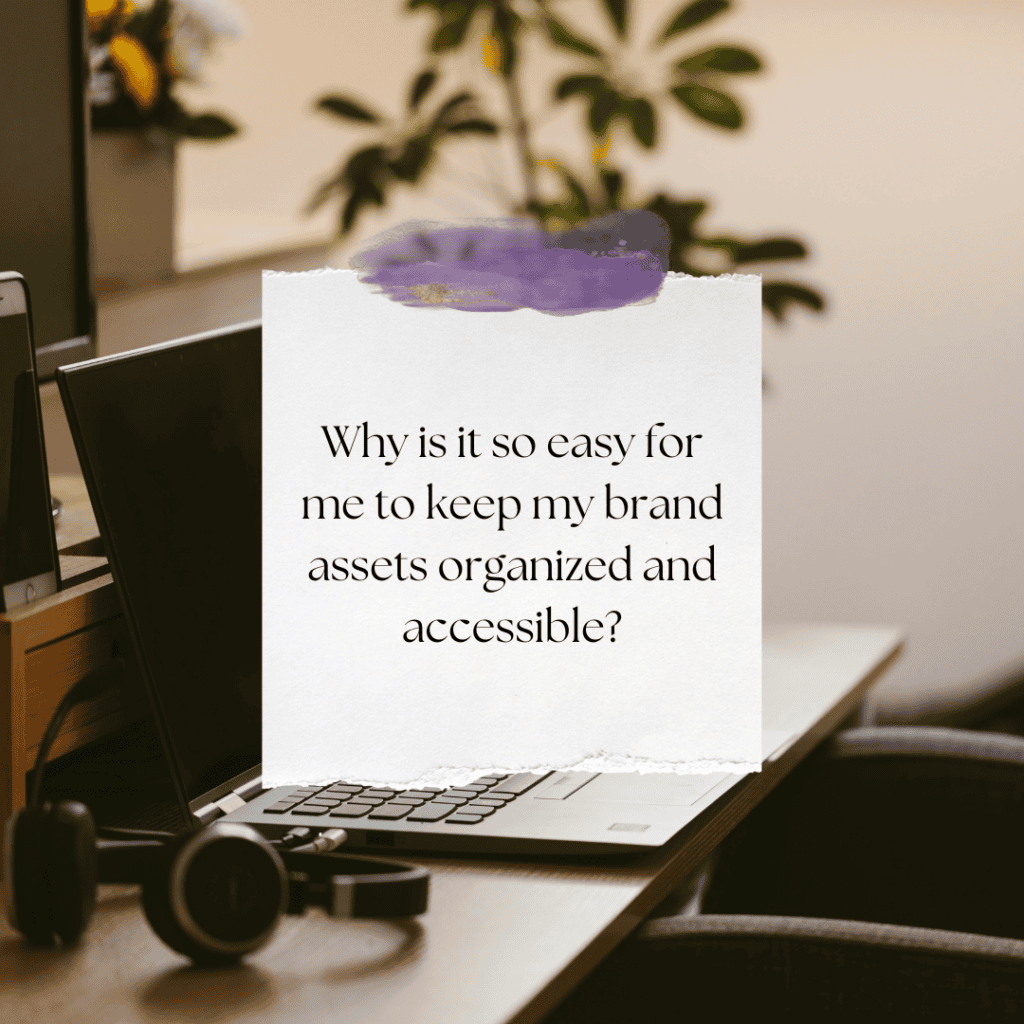
This Week’s Affirmation:
In this blog post, I am going to show you how to build a simple brand folder structure in Google Drive that makes running your business easier, not harder. You will see how organizing your messaging, visuals, offers, and content into a clear system removes daily friction. The goal is not perfection – the goal is speed, clarity, and a structure that supports you as you grow.
Turn Your Google Drive Into an Organized Brand Hub
If your Google Drive feels like a digital junk drawer… you’re not alone. In this episode, I’ll show you how to organize your brand files using a simple folder system inside Google Drive – one that keeps your decisions, templates, visuals, and messaging in one easy-to-access location. An organized brand hub means less wasted time and more consistency across everything you create.
*Solopreneurs lose hours each week searching for files they’ve already created. When your Google Drive is structured with intention, you save time, make faster decisions, and increase your productivity.
Inside this episode, you’ll learn how to create a Brand Hub folder, what to include inside it, how to document decisions (not just store files), and the simple quarterly habit that keeps it all tidy year-round.
Let this be your starting point for a more structured and scalable business system.

How to Build a Simple Brand Folder Structure in Google Drive
Before we get practical, here is the mindset shift that changes everything: your brand is an asset, and assets require structure. Most solopreneurs treat Google Drive like a junk drawer. Logos in one place. Fonts somewhere else. Old Canva files mixed with new ones. Then every time you need to create something, you either start from scratch or waste time searching. That is exactly what we are going to fix with a clear, simple brand folder structure.
Step 1. Create One Central Brand Hub Folder
Inside Google Drive, create one top-level folder called Brand Hub or Brand Assets. This becomes the home base for every brand-related decision and file. Nothing brand-related should live outside of this folder – no more scattered desktops or random subfolders.
Step 2. Use a Simple, Logical Folder Structure
Inside your Brand Hub, keep the structure clean and minimal. Think five core folders, nothing more.
1 – Brand Identity
This is where your logos, color codes, fonts, and visual guidelines live.
2 – Messaging and Copy
Store your short, medium, and long bios, your elevator pitch, brand tone notes, and a simple list of words you use and words you avoid.
3 – Templates
Keep your Canva templates, document templates, and any repeat-use files in one predictable place.
4 – Photos and Graphics
This folder holds brand photos, approved stock images, and graphics you reuse regularly.
5 – Reference and Inspiration
Save examples, screenshots, swipe-worthy ideas, or layout references that influence how your brand shows up.
Step 3. Store Decisions, Not Just Files
This is where most people miss the mark. Your Google Drive should not just hold assets. It should hold decisions. If you have chosen a brand color, a specific bio, a font pairing, or a preferred logo, document it here. When decisions are stored in one place, you stop rethinking them every time you create.
Step 4. Make Google Drive Your ‘Source of Truth’
Any time you create content, update a page, or collaborate with someone, Google Drive should be the first place you check. When your brand folder structure becomes your source of truth, everything else moves faster – Canva gets easier, emails get clearer, and your social content becomes more consistent.
Organization is not about being tidy. It is about building a system that saves you time every single week.
Weekly Action Step
Now that you can see how a simple brand folder structure removes friction from your daily work, the next step is to move from understanding to implementation. Organization in your solopreneur business does not create results until you act on it. Instead of trying to clean up everything at once, focus on building one clear structure that supports how you actually run your business.
An Action Item for your business:
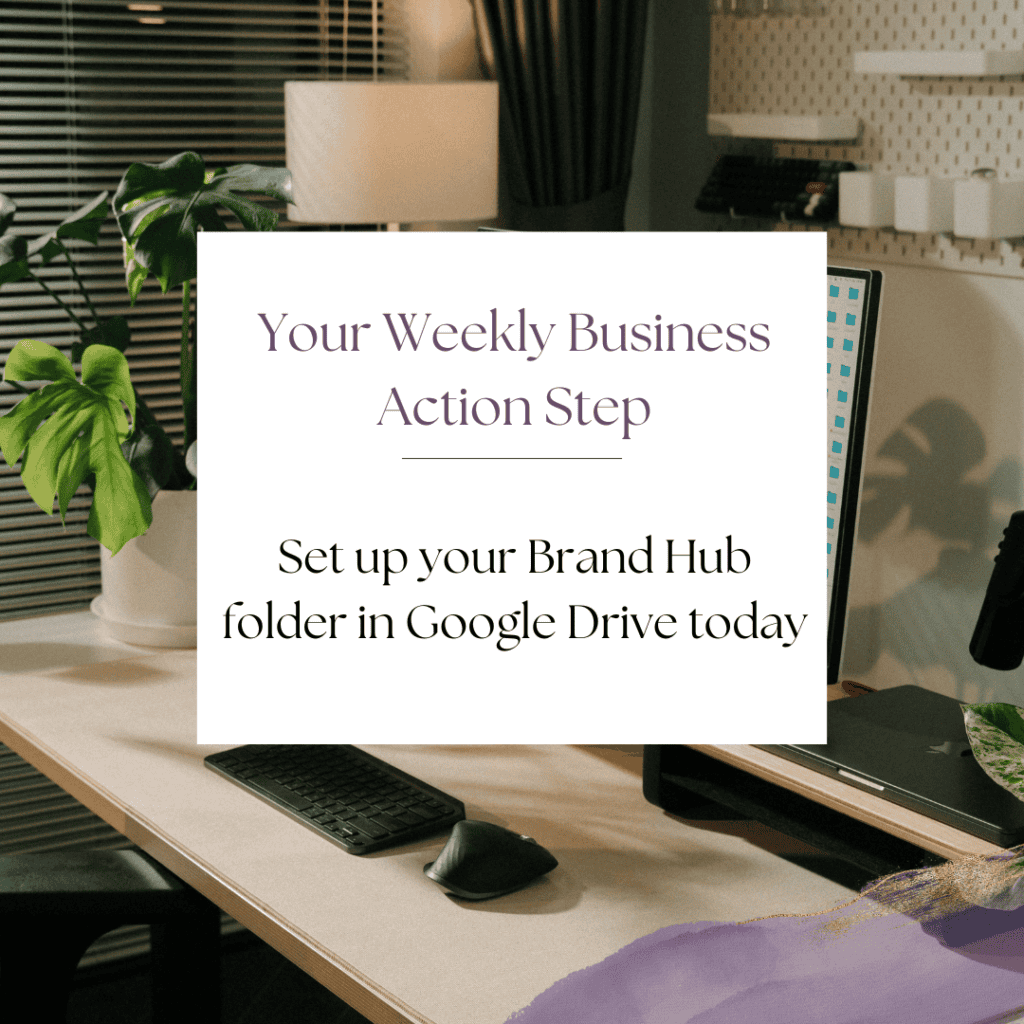
I want to encourage you to consider the Weekly Action Step seriously. It is there to provide a lesson in this post and make it actionable. I’m here to support you on your journey toward peak productivity, helping you work smarter, not harder. With each weekly action step, you’ll build a new habit, refine your workflow, and unlock the full potential of your productivity.
Streamline Your Business With Simple, Scalable Systems
Are You Ready to Streamline Your Online Business and Put Systems to Work?
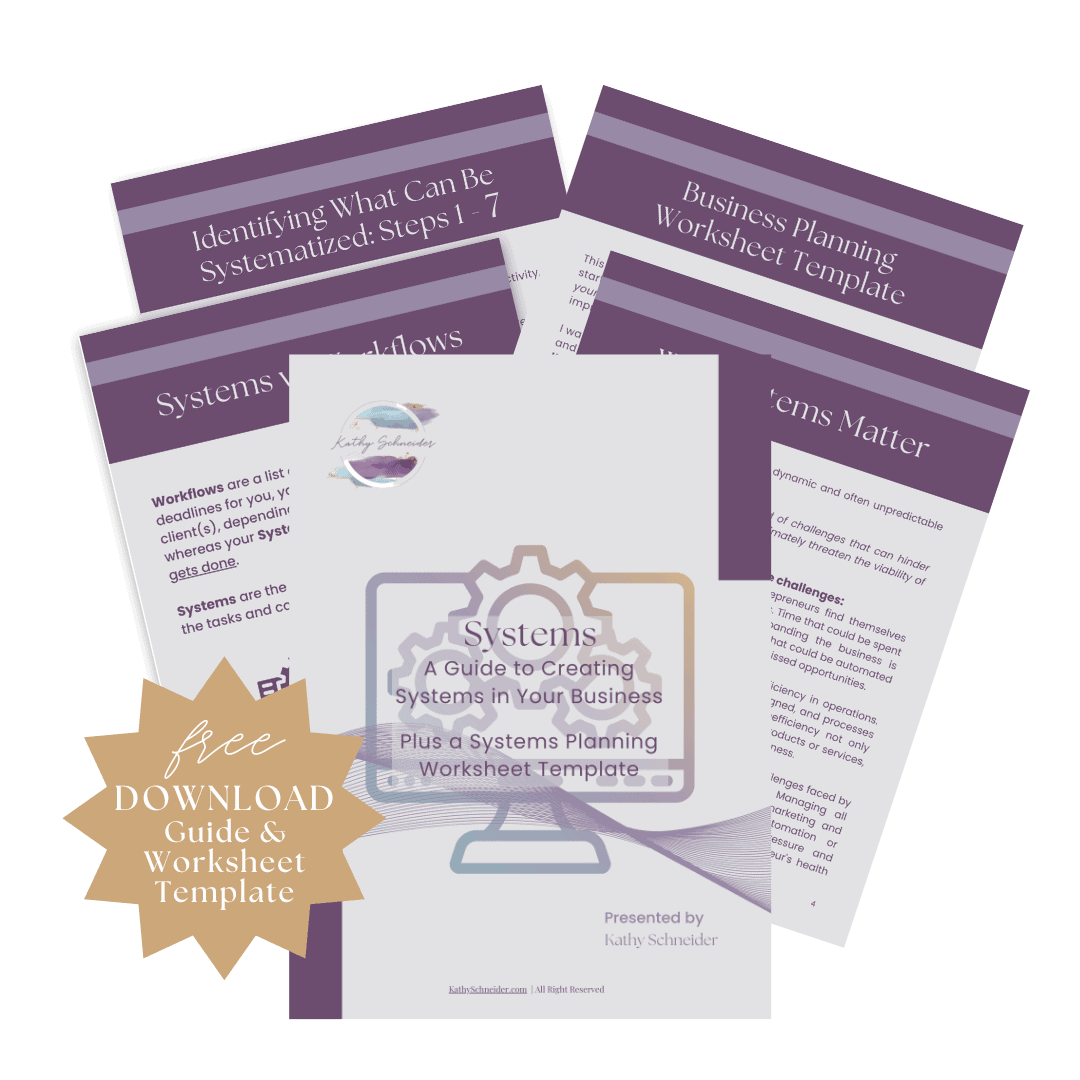
Unlock the secret to effortless day-to-day operations and prepare your business for scalable growth with my expertly crafted guide, Systems.
Whether you’re just starting or looking to refine your operations, this comprehensive resource offers step-by-step instructions to simple systems that will work for you.
Closing Thoughts: Build Once, Benefit Every Week
A simple brand folder structure may seem like a small adjustment, but it has a powerful impact on how your business feels and functions. When your files, messaging, templates, and visuals are organized within one clear system, you spend less time searching and more time creating. Decisions become quicker, consistency becomes natural, and your energy shifts away from managing digital clutter and toward meaningful, revenue-generating work. By building a brand folder structure once and maintaining it intentionally, you create a foundation that supports your growth week after week.
Helpful Resources
- What a Brand Hub Is (and Why Solopreneurs Need One) – KathySchneider.com/156