




Hey there! Kathy here.
If you’ve ever opened a blank email and thought, “I’m sure I had an idea for this week’s newsletter…” you’re not alone.
Many solopreneurs don’t struggle with creating content—they struggle with keeping their ideas organized. A title gets written on a sticky note, a topic gets saved in a phone app, and another idea gets buried inside a Google Doc. Before long, planning your next newsletter feels harder than it needs to be.
The good news? You don’t need a complicated system.
A simple newsletter planning spreadsheet can give every idea a home, help you organize your content into 5-email series, and make it easy to see what comes next. Instead of wondering what to send each week, you’ll have a clear plan waiting for you.
In this week’s training, I’m sharing the simple Google Sheets approach I use to organize newsletter ideas so sending consistent emails becomes a repeatable part of your business… not another decision you have to make every Monday morning.
“A simple system for organizing your newsletter ideas can turn email marketing from stresssful to manageable.”
– Kathy Schneider
This Week’s Affirmation:
Why Organizing Your Newsletter Ideas Matter
Planning your newsletters as a short series and choosing a repeatable layout are powerful first steps. But consistency becomes much easier when your ideas are organized in one place.
In this video below, I’m showing you how a simple newsletter planning spreadsheet in Google Sheets can help you keep track of your newsletter ideas so you always know what to send next.

How to Create a Newsletter Planning Spreadsheet
Many solopreneurs have plenty of ideas for emails.
The challenge isn’t having ideas — it’s keeping track of them.
Sometimes ideas are written in a notebook, saved in notes on the phone or buried deep inside old documents or emails!
When your ideas are scattered in multiple places, planning your next newsletter becomes frustrating. Instead of quickly seeing what comes next, you end up searching for your ideas.
This is why a newsletter planning spreadsheet can make such a big difference.
A simple planning sheet gives you one place to organize your newsletter series and keep track of upcoming emails.
For example, your spreadsheet might include columns for:
• series topic
• email topics in the series
• ideas for each of your newsletter sections (so this will vary from business to business)
• call to action you plan to include
With everything organized in one document, you can quickly see where you are in your series and what email comes next.
This small shift turns your newsletter from something you think about into something you manage.
Instead of relying on memory, you rely on a system.
And once your ideas are organized in one place, planning and batching your newsletters becomes much easier.
Weekly Action Step
Take 10 minutes today to create a newsletter planning spreadsheet.
Every idea, every series, and every future email deserves one organized home. Spending a few minutes setting up this simple system now will save you time and decision fatigue every single week moving forward.
Sometimes the most productive thing you can do is slow down once so you never have to start over again.
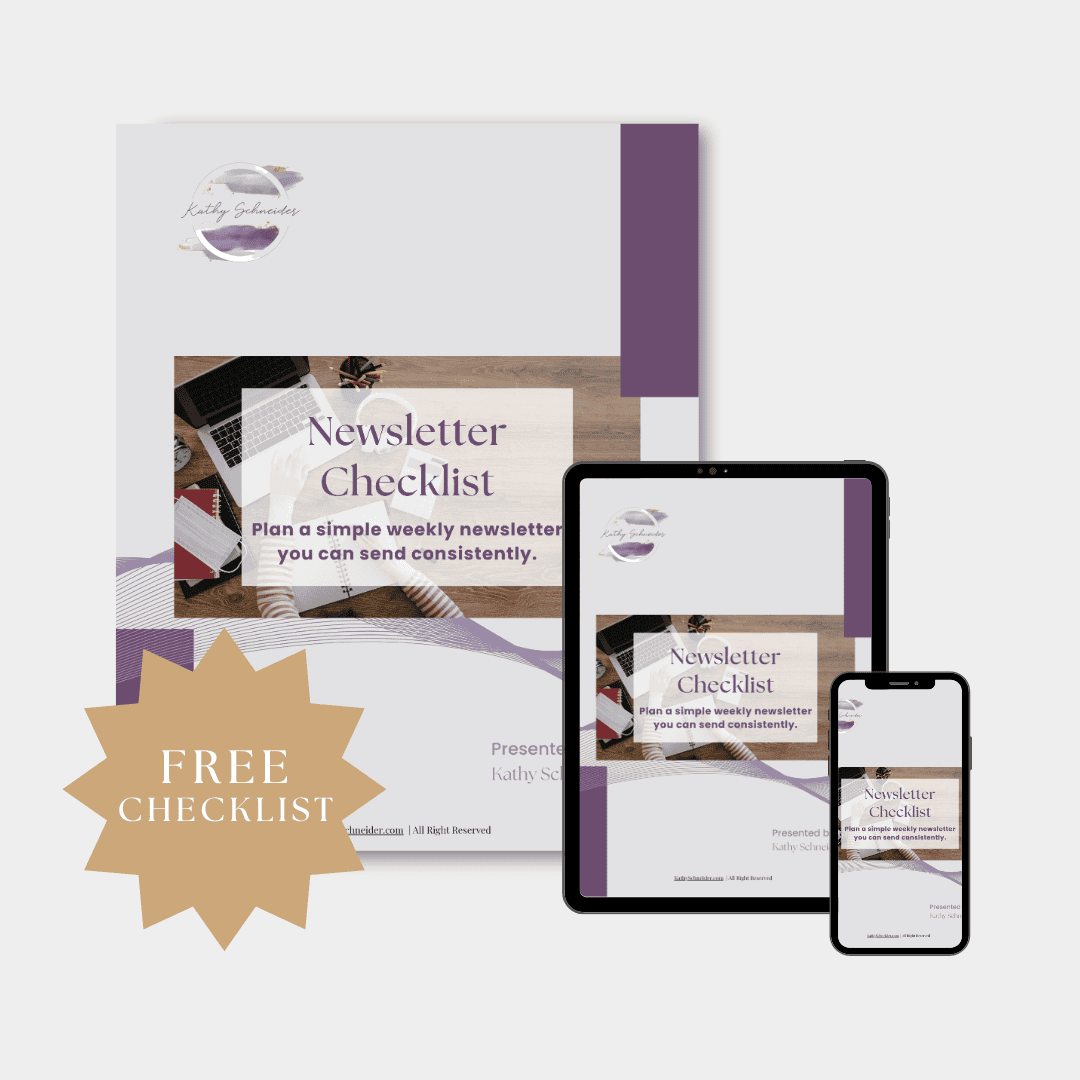
Free Download: Newsletter System Checklist
If you would like help planning your first newsletter series, download the Weekly Newsletter System Checklist.
It is a simple one-page guide to help you choose a topic, outline five emails, and start creating a repeatable newsletter rhythm.
Helpful Resources:
- Why Most Solopreneurs Stop Sending Newsletters – KathySchneider.com/166
- How to Plan a 5-Week Newsletter Series – KathySchneider.com/167
- A Simple Weekly Newsletter Layout You Can Reuse Every Week – KathySchneider.com/168