


Hey there! Kathy here.
You decide it’s finally time to update your Instagram profile.
Great!
Now… where’s that Canva file?
And which Google Doc has the caption?
Where did you save the ChatGPT prompt you used?
What was that link you wanted people to visit?
Suddenly, a small update has turned into an afternoon project.
If that sounds familiar, the problem probably isn’t Instagram.
It’s organization.
When you organize Instagram content as a business asset instead of a collection of random posts, future updates become much faster—and you stop recreating work you’ve already done.
Every project deserves a permanent place to live. — Kathy Schneider
The Finished Post Isn’t the Asset
One of the easiest mistakes to make with content is saving only the finished product.
You create the Instagram graphic.
Publish it.
Check it off the list.
Done.
Except six months later, your messaging changes and you’d like to update that post.
That’s when you realize the graphic was only one piece of the asset.
There was also:
- The original idea
- Your planning notes
- The copy
- The caption
- Your call-to-action
- The Canva link
- The resources you referenced
Those pieces are valuable because they show you how the finished content was created.
Save them.
Then when it’s time to update something, you’re refining your existing work instead of reconstructing your thought process from scratch.
Give Your Instagram Assets a Permanent Home
My philosophy is pretty simple:
Every project deserves a permanent place to live.
For me, that’s Google Drive.
My Instagram assets live inside:
Marketing → Social Media → Instagram
Your folders don’t have to look exactly like mine.
You don’t even have to use Google Drive.
The tool isn’t the system.
What’s important is deciding (in advance) where this work belongs.
Then use that same location every time.
That eliminates one of those tiny decisions that doesn’t seem important until you’ve made it hundreds of times:
“Where should I save this?”
You already know.
It has a home.
Save the Ingredients, Not Just the Finished Product
Think about the files you’d want if you needed to update one of your pinned posts a year from now.
That’s what belongs in your system.
For example:
- Planning Documents
- Brainstorming Notes
- ChatGPT Prompts (if needed)
- Image Copy
- Captions
- Canva Links
- Published PDFs
- Resource Links
You may have additional pieces depending on how you create content.
That’s fine.
The goal isn’t to build the world’s most elaborate folder structure.
It’s to make future-you very happy. 😉
When you return months later, everything you need should be where you expect to find it.
Google Drive Stores It. Your Project Management Tool Reminds You.
This distinction is important.
Your storage system and your project management system have different jobs.
I use Google Drive as the permanent home for my files and documents.
Then I use Asana to manage the project and remind me when something needs my attention.
You might use ClickUp, Notion, Trello, or another project management tool instead.
That’s completely fine.
The system matters more than the software.
Your Instagram project simply needs to help you know:
- Where everything is stored
- What needs to be reviewed
- When it’s time to review it
And ideally, your project contains a direct link to the folder where the assets live.
Now you’re not searching Google Drive when the reminder appears.
Click.
You’re there.
That’s a tiny workflow improvement that saves time every single time you use it.
Think in Projects Instead of Posts
This is where organization changes the way you think about Instagram.
Instead of:
“I need to create an Instagram post.”
Think:
“I have an Instagram Profile project.”
That project contains all the pieces necessary to maintain the profile.
Your pinned posts aren’t isolated pieces of content anymore.
They’re part of a larger business asset.
The supporting posts are part of it.
Your captions are part of it.
Your calls-to-action are part of it.
Your planning documents are part of it.
Once you see everything as one project, organizing and maintaining it becomes much simpler.
Build the Review Into the Workflow
There’s one problem with creating a beautifully organized system:
It can’t remind you to use itself.
That’s why I recommend adding a recurring quarterly review to your project management tool or calendar.
When the reminder comes up, review:
- Your three pinned posts
- Your captions
- Your calls-to-action
- Your Story Highlights
- Your first visible posts
You may discover that everything still looks great.
Wonderful.
Check it off and move on.
The goal isn’t to change your Instagram profile every quarter.
The goal is to look at it every quarter.
There’s a big difference.
Your business will evolve, but small periodic reviews keep you from waking up three years from now and realizing your profile still represents a business you no longer run.
Give Every Post an Intentional Next Step
Organization isn’t only about where the files live.
It’s also about knowing what the content is supposed to do.
Every pinned post should have a purpose.
And that purpose should lead somewhere.
For example, you might invite someone to:
- Join your newsletter
- Download a free resource
- Visit your website
- Explore an offer
- Watch a video
- Read a blog post
I happen to use ManyChat for some of these actions.
But ManyChat isn’t the strategy.
The strategy is deciding:
What do I want this visitor to do next?
You can accomplish that with automation or with a simple link.
Don’t add technology just because you can.
Use the simplest tool that accomplishes the job.
Organization Makes Maintenance Possible
This is the bigger reason I care so much about organizing business assets.
Organization isn’t about having pretty folders.
It’s about making your business easier to run.
When everything has a permanent home and there’s a workflow reminding you when it needs attention, maintaining what you’ve already built becomes much easier.
Instead of: Create → Forget → Lose → Recreate
You have: Create → Organize → Review → Refine
That’s a much more sustainable cycle.
And it applies to far more than Instagram.
The more of your business you build this way, the less often you find yourself starting over.
Slow down once to go faster everywhere else.
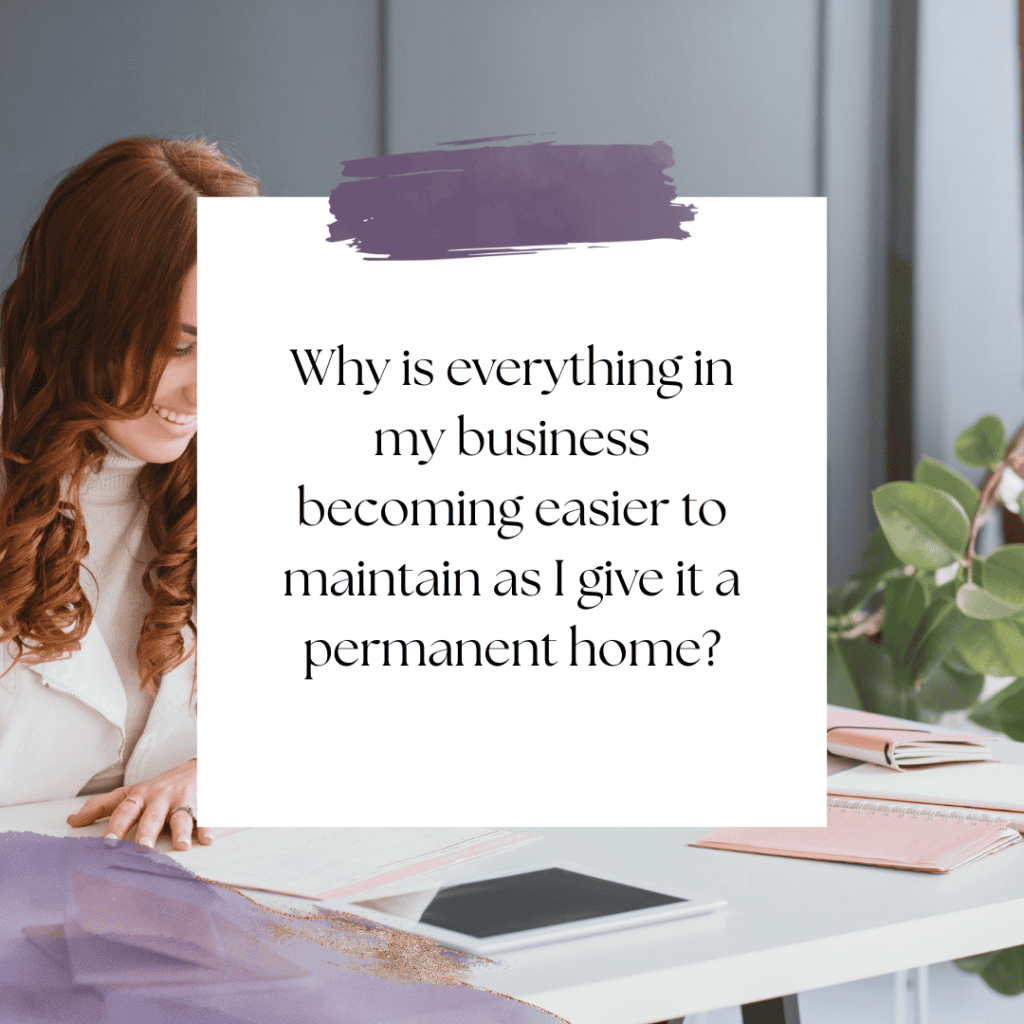
This Week’s Affirmation:
Your Next Step
Choose one permanent home for your Instagram assets today.
If you use Google Drive, create the folder.
If you already have one, open it and take a quick look at what’s there.
Then gather the most important pieces you already have… planning documents, captions, Canva links, prompts, and resources—and put them together.
Don’t spend hours reorganizing your entire business.
Just give this one project a home.
Then add a recurring quarterly reminder to review your Instagram profile.
That’s it.
A small system today can save you from starting over later.
You Might Also Like:
If you’re creating a more sustainable content workflow, specifically with YouTube, this related post might help:
- Why Your Instagram Profile Still Matters (Even If You Rarely Post) – KathySchneider.com/181
- The 3 Pinned Posts Every Business Profile Should Have – KathySchneider.com/182
- What New Visitors Should See When They Find Your Instagram – KathySchneider.com/183
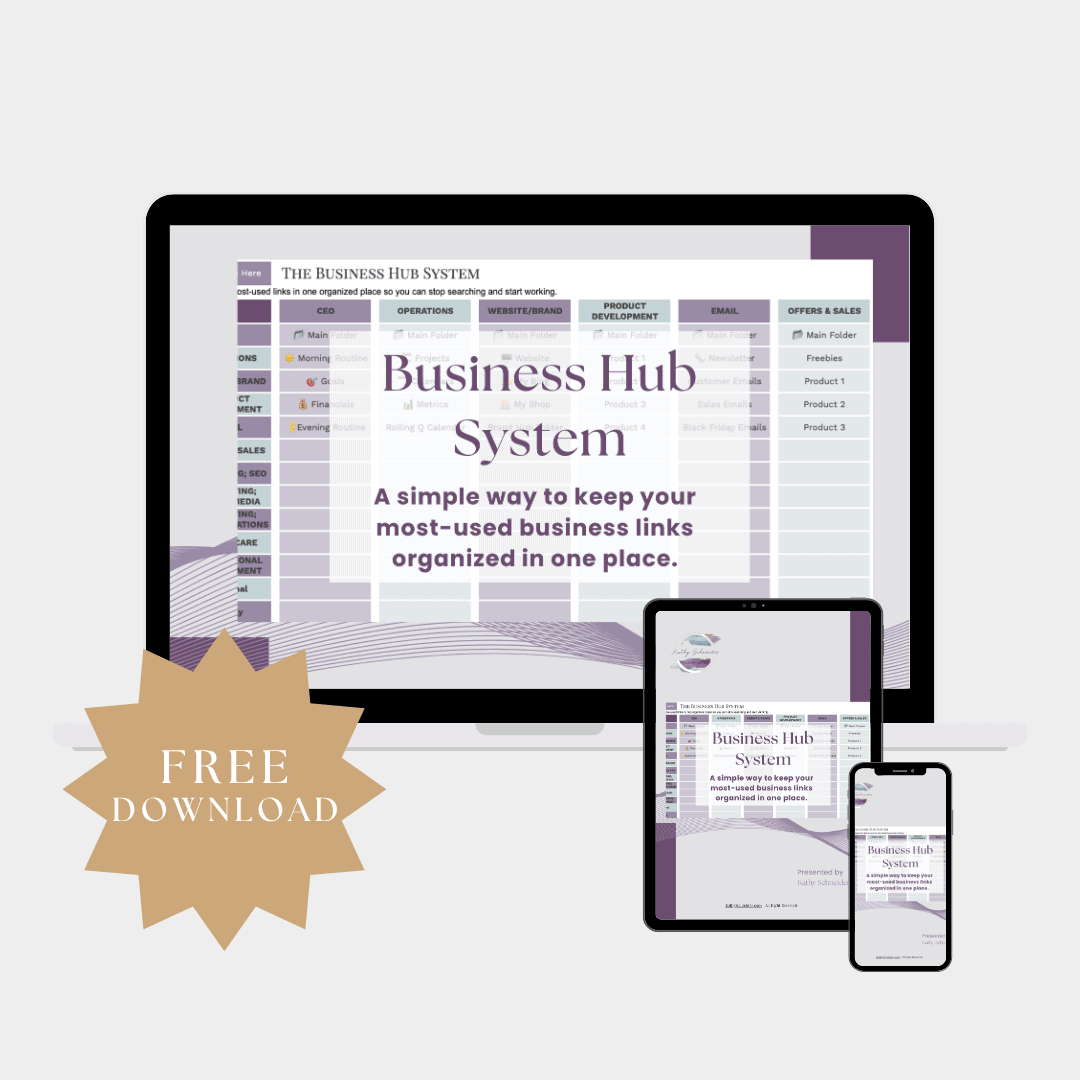
Free Download: Business Hub System
The same principle we’re using for Instagram applies across your entire business.
Your files, links, tools, projects, resources, and workflows become much easier to manage when you know exactly where everything lives.
That’s why I created the free Business Hub System—to give you one central place to organize and quickly access the pieces you use most throughout your business.