

Hey there! Kathy here.
Most solopreneurs don’t quit YouTube because they run out of ideas.
They quit because the content becomes too hard to manage.
When your scripts are missing, files are scattered, thumbnails are saved in random places, and you can never find the final version of anything, consistency starts feeling exhausting. That’s why organizing your YouTube content is one of the most important parts of a sustainable workflow.
“Everything feels easier when everything has a home.” – Kathy Schneider
Organization Is Part of the Workflow
A sustainable YouTube workflow is not just about filming.
It’s also about what happens behind the scenes.
When your content is organized, it becomes much easier to stay consistent because you aren’t wasting time searching for files or starting over every week.
Create One Repeatable Folder Structure
The biggest mistake many people make is treating every video like a separate project with no system behind it.
That is when files end up everywhere:
- downloads
- Canva
- desktop
- random folders
- “final FINAL” versions
Instead, create one simple folder structure you can repeat again and again.
Give Every Series and Episode a Home
The folder structure shared in this episode follows a simple path:
- Main business folder
- Department folder
- YouTube folder
- Series folder
- Episode folder
Inside each episode folder, you can keep the same repeatable structure:
- Research Files
- Script Files
- Raw Files
- Final Files
- Blog Files
Simple. Repeatable. Easy to maintain.
Why This Saves So Much Time
When every episode follows the same structure, your brain starts trusting the system.
You know where your script lives.
You know where the edited video belongs.
You know where the thumbnail files are.
You know where the blog draft is stored.
Over time, that saves hours.
Organization Makes Collaboration Easier
Even if you work alone right now, organized folders make your business easier to manage.
And if you ever work with a VA, designer, editor, or blog writer, everyone knows where files belong.
That not only reduces confusion but also keeps your workflow moving forward!
Use Simple Naming Conventions
Your naming system does not need to be complicated.
It just needs to be consistent.
For example: S19 Ep178 (Series 19, then Episode #)
Simple naming makes files easier to search, easier to organize, and easier to reuse later.
This Week’s Affirmation:
Your Next Step
Take 15 to 20 minutes and organize your content folder system for your YouTube.
You Might Also Like:
If you’re creating a more sustainable content workflow, specifically with YouTube, these related post might help:
- How to Plan a YouTube Series – KathySchneider.com/176
- Batch Record Your YouTube Content Faster – KathySchneider.com/177
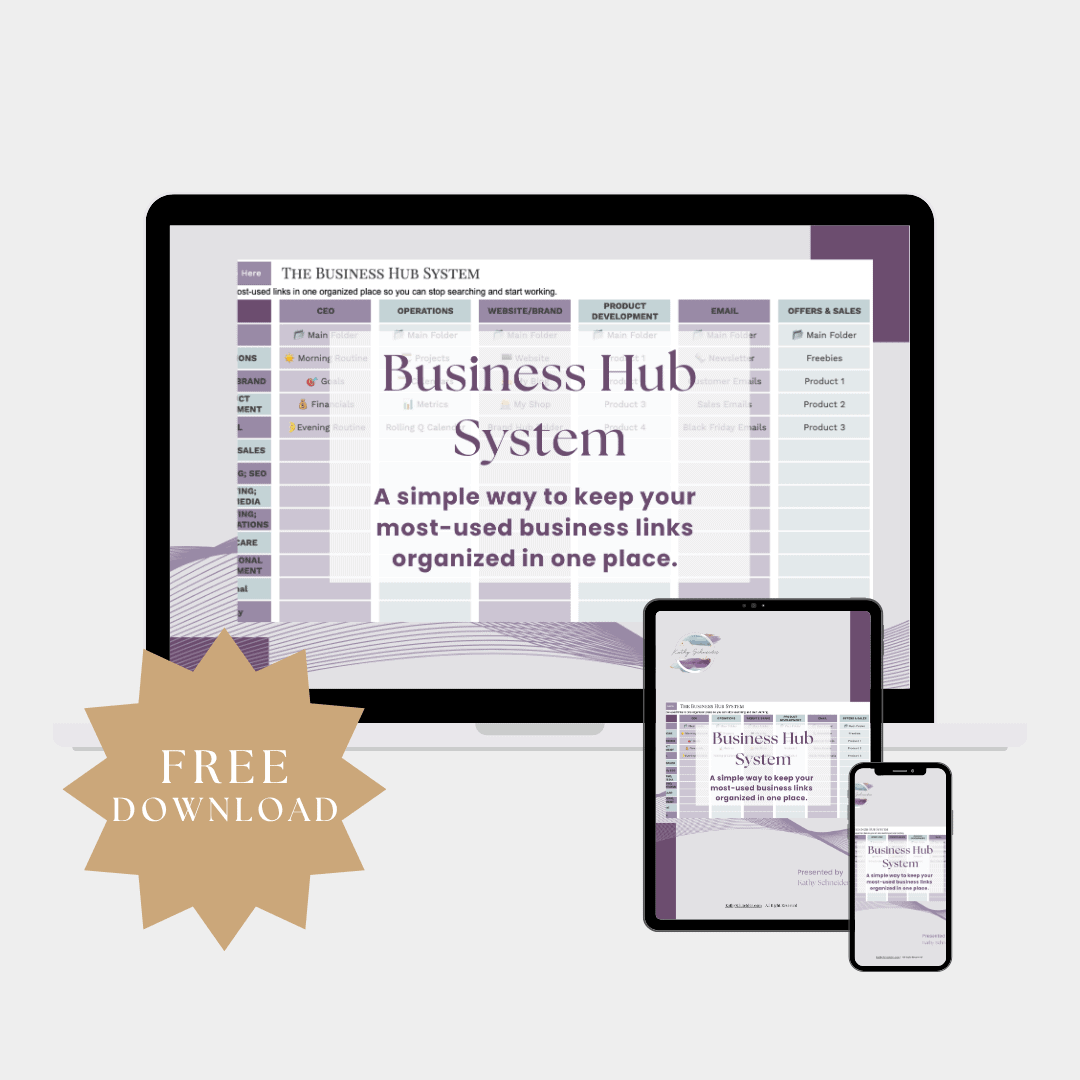
Free Download: Business Hub System
If you want help organizing your YouTube workflow, planning your content, and keeping your links and assets in one place, the Business Hub System can help.
This free spreadsheet includes a dedicated YouTube section you can customize for your own workflow.