



Hey there! Kathy here.
If your brand only exists in your head or scattered across your personal computer, it is not really a brand. It is a bottleneck. And not just for a future assistant or VA, but for you, right now.
When your messaging, content ideas, and brand decisions are not stored in a clear system, everything takes longer than it should. You pause to rethink what to say, search for files you know you created, and second-guess decisions you have already made. That friction adds up quickly and slows down how consistently you can show up.
This is where a brand management system changes everything. Instead of relying on memory or scattered tools, you create one organized space where your brand lives and moves. In this blog post, we will discuss how using a tool like Asana can help you manage your brand with clarity and consistency, reducing mental load so your business runs more smoothly without requiring more effort.
“Brand consistency doesn’t come from remembering – it comes from documenting.”
– Kathy Schneider
I use Asana to keep me organized and on task, but not in the way most people do. Many solopreneurs treat tools like Asana, Notion, or whatever their go-to system is as a simple to-do list, and while that is helpful, it barely scratches the surface of what these tools can actually do. The real power is not just in tracking tasks. It is in creating systems that hold your decisions, your content, and your workflows in one place.
This Week’s Affirmation:

One of the very first things I set up inside my Asana account was my brand management system. It keeps my messaging, assets, and key decisions organized, consistent, and easy to reuse whenever needed. Instead of starting from scratch or digging through files, everything is right where it should be. This is exactly what I teach inside Vision Mastery Accelerator, and it is one of the systems that has saved me hours on my computer every single week.
Turn Asana Into Your Brand Management System
If your brand only lives in your head or scattered folders, it’s time for an upgrade. In this episode, you’ll learn how to use Asana as a brand management system – not just a glorified to-do list.
You’ll see how to create a dedicated brand project in Asana that links directly to your assets in Google Drive, helping you stay consistent, save time, and build a business that scales.
*When your brand lives inside your Asana workspace, it becomes easier to maintain your voice, reuse your messaging, and make updates that ripple across everything you do.
This episode shows how your brand documentation, Google Drive folders, and daily systems all work together through a centralized brand project in Asana.
Whether you’re a team of one or prepping to delegate in the future, this system puts you in control.

How to Use Asana as Your Brand Management System
Here is the gap most solopreneurs do not realize they have. You have done the work. You have clarified your brand, documented your messaging, and organized your files in Google Drive. But none of it is connected to your daily workflow. That is where things break down. A brand management system inside Asana bridges that gap so your decisions are not just stored, they are actually used. Instead of treating Asana like a to-do list, you begin using it as the place where your brand connects, lives, and gets executed.
Step 1. Create a Dedicated Brand Project
Start by creating one project in Asana specifically for your brand. Name it the same as your Google Drive folder so everything stays aligned. This becomes your central hub where your brand decisions and references live within your workflow.
Step 2. Build Simple Sections for Clarity
Inside your Brand project, create a few core sections to organize everything. Keep it simple. For example, you might include Brand Messaging and Voice, Bios and Descriptions, Visual Assets, Offers and Positioning, and Ongoing Brand Updates. These are not task lists. They are structured reference areas.
Step 3. Turn Decisions Into Reference Tasks
Each task inside this project represents a decision, not a to-do. For example, you might have a task for your short, medium, and long bio with a link to the Google Doc. Another task for your brand tone and language rules, outlining what you say often and what you avoid. Another for your offer messaging, so you describe your offers consistently. No due dates needed. These are your go-to references.
Step 4. Link Everything Back to Google Drive
Think of Google Drive as your storage, and Asana as your control center. Each task should link directly to the relevant file in Drive so that you are never searching. When everything is connected, you can move from idea to execution without friction.
Step 5. Use Asana as Your Daily Starting Point
Instead of digging through folders or rewriting content, open your Brand project in Asana first. It tells you what exists, where it lives, and how to use it. You can even add simple subtasks for when something needs to be updated, so it shows up in your workflow at the right time.
When you manage your brand this way, you stop reinventing the wheel, stay consistent across platforms, and save time every single week. More importantly, you are building a system that can be shared and delegated when you are ready. Even if you are a team of one right now, this is how you prepare for growth before you need it.
Weekly Action Step
Now that you can see how a brand management system connects your decisions to your daily workflow, it’s time to put it into practice. Systems do not create results until they are used consistently. Instead of trying to build everything at once, focus on setting up one simple structure you can return to every day.
An Action Item for your business:

I want to encourage you to consider the Weekly Action Step seriously. It is there to provide a lesson in this post and make it actionable. I'm here to support you on your journey toward peak productivity, helping you work smarter, not harder. With each weekly action step, you'll build a new habit, refine your workflow, and unlock the full potential of your productivity.
Streamline Your Business With Simple, Scalable Systems
Are You Ready to Streamline Your Online Business and Put Systems to Work?
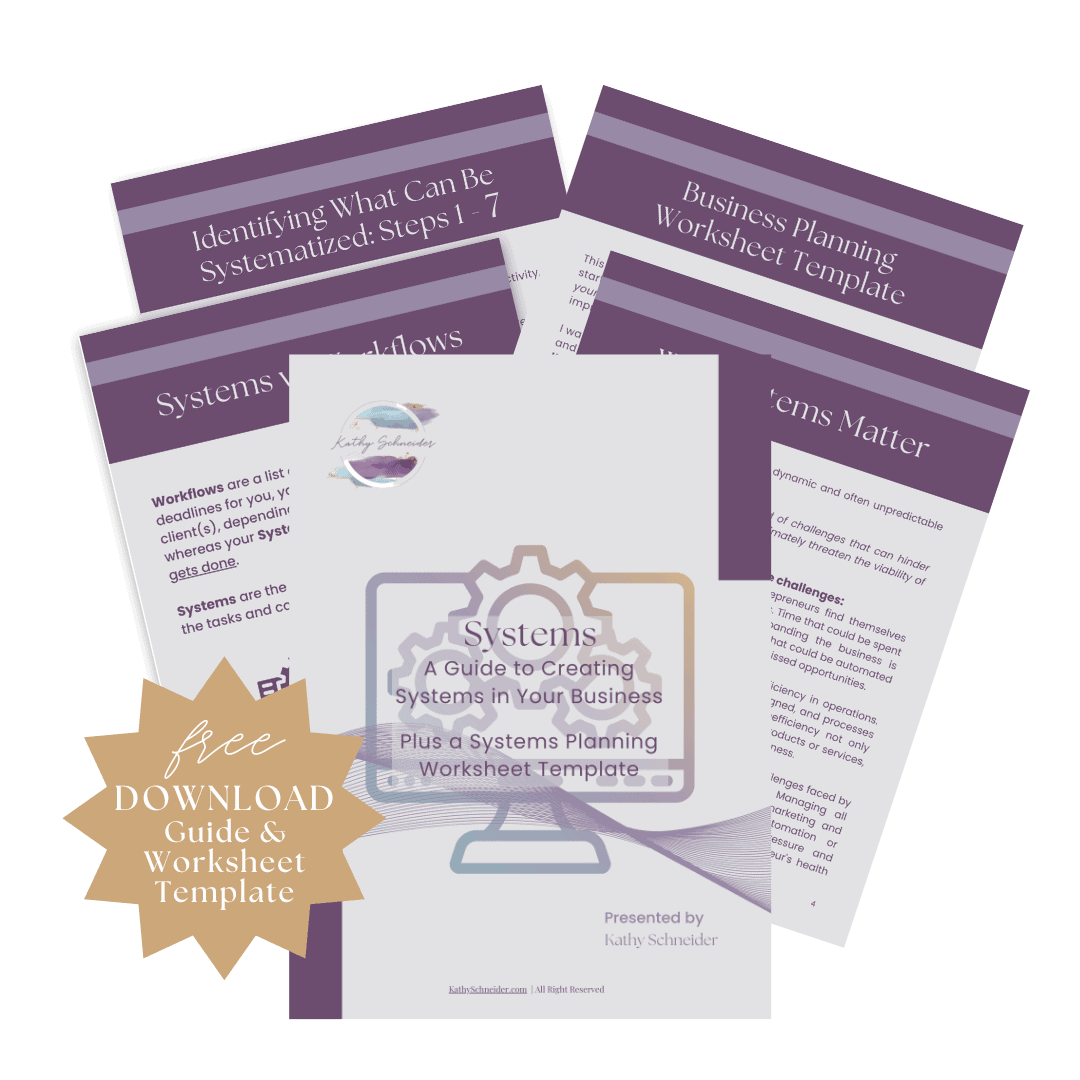
Unlock the secret to effortless day-to-day operations and prepare your business for scalable growth with my expertly crafted guide, Systems.
Whether you're just starting or looking to refine your operations, this comprehensive resource offers step-by-step instructions to simple systems that will work for you.
Closing Thoughts: Connect Your Brand to Your Workflow
A brand management system is not about adding more tools or complexity to your business. It is about creating a structure that connects your decisions, your assets, and your daily work so everything flows together. When your brand lives inside a system like Asana, you stop searching, second-guessing, and starting over, and instead begin executing with clarity and consistency. Over time, that consistency builds confidence, saves you hours, and creates a business that is not only easier to manage but also ready to grow.
Helpful Resources
- What a Brand Hub Is (and Why Solopreneurs Need One) – KathySchneider.com/156
- Organize Your Brand in Google Drive (Simple Folder System) – KathySchneider.com/157
- Document Your Brand Decisions So You Stop Rewriting Everything – KathySchneider.com/158