


Hey there! Kathy here.
If you’ve been trying to figure out how to organize lead magnets in Google Drive, it starts with one simple truth. If your freebie files are scattered across your desktop, email, and random folders, your system will never feel sustainable. Organization is what creates momentum, not more ideas or more effort.
When your lead magnets live in multiple places, everything takes longer. You spend time searching, second-guessing which version is current, and recreating pieces that should already exist. That friction slows down your ability to promote, update, and actually use your freebies to grow your email list.
In this blog post, we are going to walk through a simple way to organize your lead magnets inside Google Drive, so your freebie system becomes easier to manage, easier to maintain, and much more consistent. The goal is not perfection. It is building a structure that supports your growth without adding more to your plate.
“Organization creates momentum.”
– Kathy Schneider
You’ve defined your freebie. You’ve scheduled it into your calendar. But if your assets, links, and documents are not stored in one organized place, small friction adds up quickly. You pause to find the right file, double-check links, or wonder if you are using the most current version. Those small moments may seem minor, but over time, they slow everything down and make your system harder to maintain.
This Week’s Afformation:
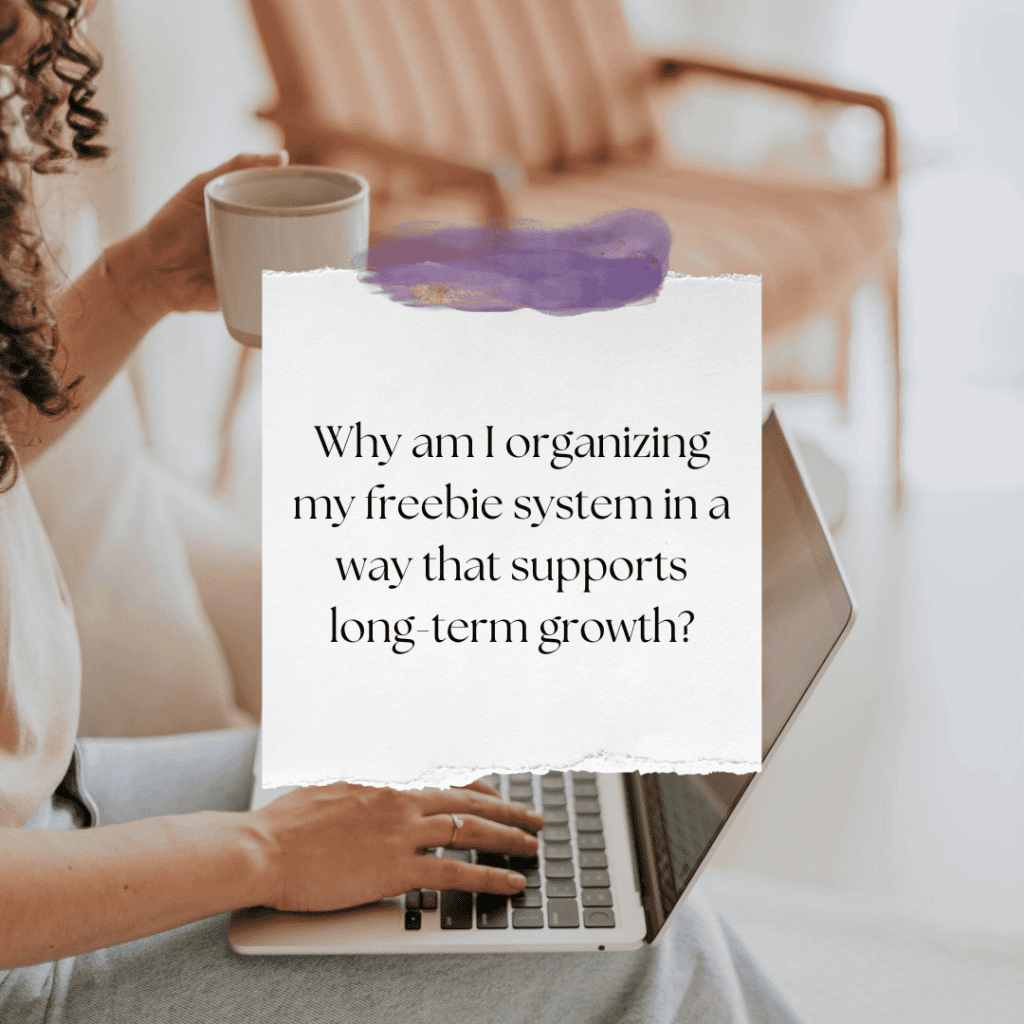
When everything has a clear home, your creation, promotion, and updates become smoother. Instead of feeling scattered, your freebie system starts to support you, making it easier to stay consistent and grow your email list without added stress.
Why Your Freebie System Feels Disorganized
You can define your freebie clearly. You can schedule time to build and promote it. But if your files are scattered across folders, email threads, and your desktop, your system will feel chaotic. In this episode, you’ll learn how to organize lead magnets in Google Drive, so your freebie system stays clean, simple, and scalable.
*A sustainable freebie system starts with one main folder, one subfolder per freebie, and every asset stored in one place. Working documents, final PDFs, email copy, landing page copy, and graphics should live together.
Clear folder structure and naming conventions reduce friction, prevent confusion, and make future expansion effortless. Organization isn’t glamorous. It’s foundational.

How to Organize Your Lead Magnets in Google Drive
A sustainable freebie system is not just about what you create. It is about how you store and manage it. When your files are organized with intention, everything becomes easier to find, update, and reuse. The goal is not to create a complicated structure. It is to build a simple system that removes friction and supports your growth over time.
Here is how to set it up.

Create One Main Freebie Folder
Start with one clearly named folder in Google Drive. Avoid vague names like Downloads or Marketing Stuff. Instead, choose something intentional like Freebies, Lead Magnets, or Freebie System. This becomes the home base for every free offer you create and use.

Create One Subfolder Per Freebie
Inside your main folder, create one folder for each freebie. For example, Offer Clarity Blueprint, Systems Checklist, or Content Planning Guide. Each freebie has its own space, which keeps files from getting mixed together and makes everything easier to manage as your library grows.

Store Every Asset in One Place
Each freebie folder should include everything connected to that offer. This might be your working document, final PDF, mockup graphics, email delivery copy, landing page copy, and any related assets. When everything lives in one place, there is no searching and no second-guessing.

Use Clear Naming Conventions
How you name your files matters. Instead of unclear names like Final_v2_NEW, use simple, consistent naming such as FreebieName_WorkingDoc, FreebieName_EmailCopy, or FreebieName_LandingPage. Clear naming saves time now and prevents confusion later, especially if you ever delegate.

Build a System That Supports Growth
When your Google Drive is structured well, everything becomes easier to scale. Adding a new freebie, updating assets, or sharing files takes minutes instead of hours. Organization may not feel exciting, but it is the foundation that allows your system to grow cleanly and consistently.
Weekly Action Step
Now that you can see how a simple structure keeps your freebie system organized and easy to manage, it’s time to take action. You do not need to reorganize everything at once. Progress comes from setting up one clear space and using it consistently.
An Action Item for your business:

I’d like to encourage you to consider the Weekly Action Step seriously. It is there to provide a lesson in this post and make it actionable. I’m here to support you on your journey toward peak productivity, helping you work smarter, not harder. With each weekly action step, you’ll build a new habit, refine your workflow, and unlock the full potential of your productivity.
Get the Offer Clarity You’ve Been Missing
If you’re unsure what your primary free offer should be, or whether the one you have is positioned correctly…download the Offer Clarity Blueprint.
It will help you clarify the problem your freebie solves, who it’s for, and how it supports your long-term business model. Start with one. Build from there.

Closing Thoughts: Keep It Simple, Keep It Sustainable
Learning how to organize lead magnets in Google Drive is less about creating the perfect system and more about building one you will actually use. When your files have a clear home, your updates become easier, your promotion becomes more consistent, and your freebie system starts to feel manageable instead of scattered. You do not need more tools or more complexity. You need a simple structure you can rely on. When your organization supports your workflow, your email list growth becomes steadier, and your business feels lighter to run.
Helpful Resources:
- How to Create a Freebie System That Grows Your Email List – KathySchneider.com/161
- How to Schedule Freebie Creation for Sustainable Email Growth – KathySchneider.com/162