



Hey there! Kathy here.
Consistency gets easier when your business knows where everything belongs.
Most solopreneurs are not struggling with YouTube because they are lazy or unmotivated. They are struggling because the workflow lives in their head instead of inside a system.
That’s why creating a YouTube workflow in Asana has helped me stay organized, track each episode, and build margin into my content process.
“Systems reduce stress because they reduce re-deciding.” – Kathy Schneider
Create Clear Workflow Stages
The first step is creating clear stages for your content workflow.
Inside Asana, each stage shows where an episode currently stands.
Examples might include:
- Need to Research
- Planned Episode Topics
- Need to Script
- Need to Record
- Sent for Editing
- Edits Approved
- Ready for Scheduling
- Scheduled to Publish
- Published/Archived
This makes it easier to see what needs attention next without mentally tracking everything.
Use One Task Per Episode
Each YouTube episode gets its own task.
That task becomes the home for:
- links
- notes
- scripts
- thumbnails
- descriptions
- checklists
- Google Drive folders
- publishing information
Keeping everything connected to one episode in one place makes the workflow feel much less scattered.
Create Repeatable SOP Checklists
Inside each episode task, a repeatable checklist helps you move through the process step by step.
This may include:
- scripting
- recording
- editing
- thumbnails
- descriptions
- scheduling
- promotion
The goal is not a perfect system. The goal is reducing re-deciding.
Duplicate Instead of Starting Over
One of the biggest time-savers is duplication.
Instead of rebuilding everything every week, duplicate what already works.
This might include:
- episode templates
- description documents
- recurring workflows
- playlist structures
- content systems
For example, once the first episode description is complete, duplicate it for the remaining episodes and update titles, links, dates, and script references.
Build Margin Into the Workflow
A workflow like this helps create breathing room.
Because each episode has a stage, a checklist, and a home, it becomes easier to batch content and stay ahead.
That matters because when life gets busy, you do not have to scramble to remember what comes next.
The workflow supports you.
Keep the System Simple
Your workflow does not need to look exactly like mine.
Regardless, though… you do not need complicated automations, giant dashboards, or dozens of tools.
You simply need:
- clear stages
- repeatable steps
- organized assets
- one system you can maintain consistently
Simple systems are easier to follow. And systems you follow consistently are the ones that work long-term.
This Week’s Affirmation:

Your Next Step
Open up Asana (or whatever you use for your project management tool) and create a YouTube Project.
Next, create your YouTube workflow stages step by step.
You Might Also Like:
If you’re creating a more sustainable content workflow, specifically with YouTube, these related post might help:
- How to Plan a YouTube Series – KathySchneider.com/176
- Batch Record Your YouTube Content Faster – KathySchneider.com/177
- The Google Drive System I Use for YouTube – KathySchneider.com/178
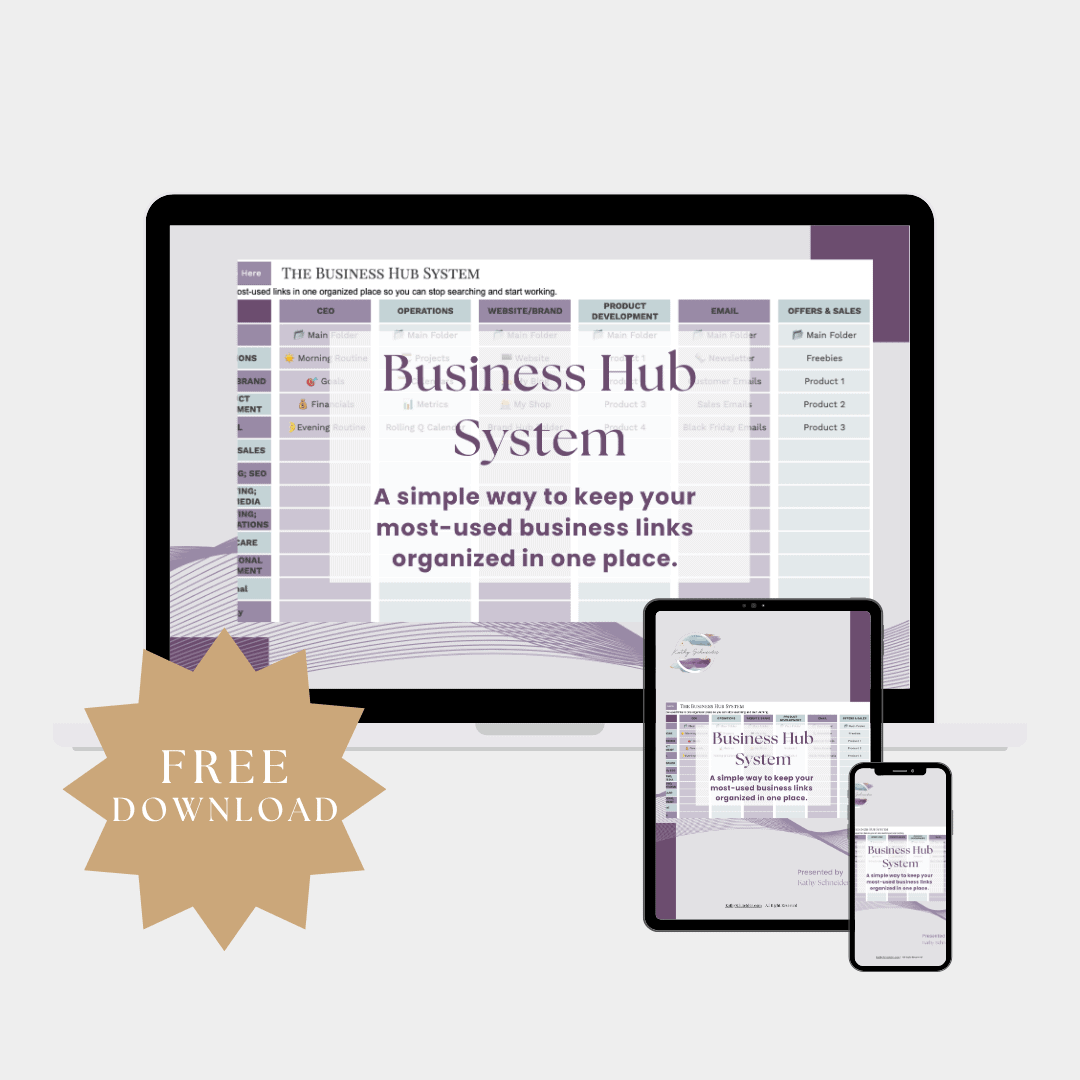
Free Download: Business Hub System
If you want help organizing your YouTube workflow, planning your content, and keeping your links and assets in one place, the Business Hub System can help.
This free spreadsheet includes a dedicated YouTube section you can customize for your own workflow.